Save 25% on Your First Order + 10% Off Every Autoship Order

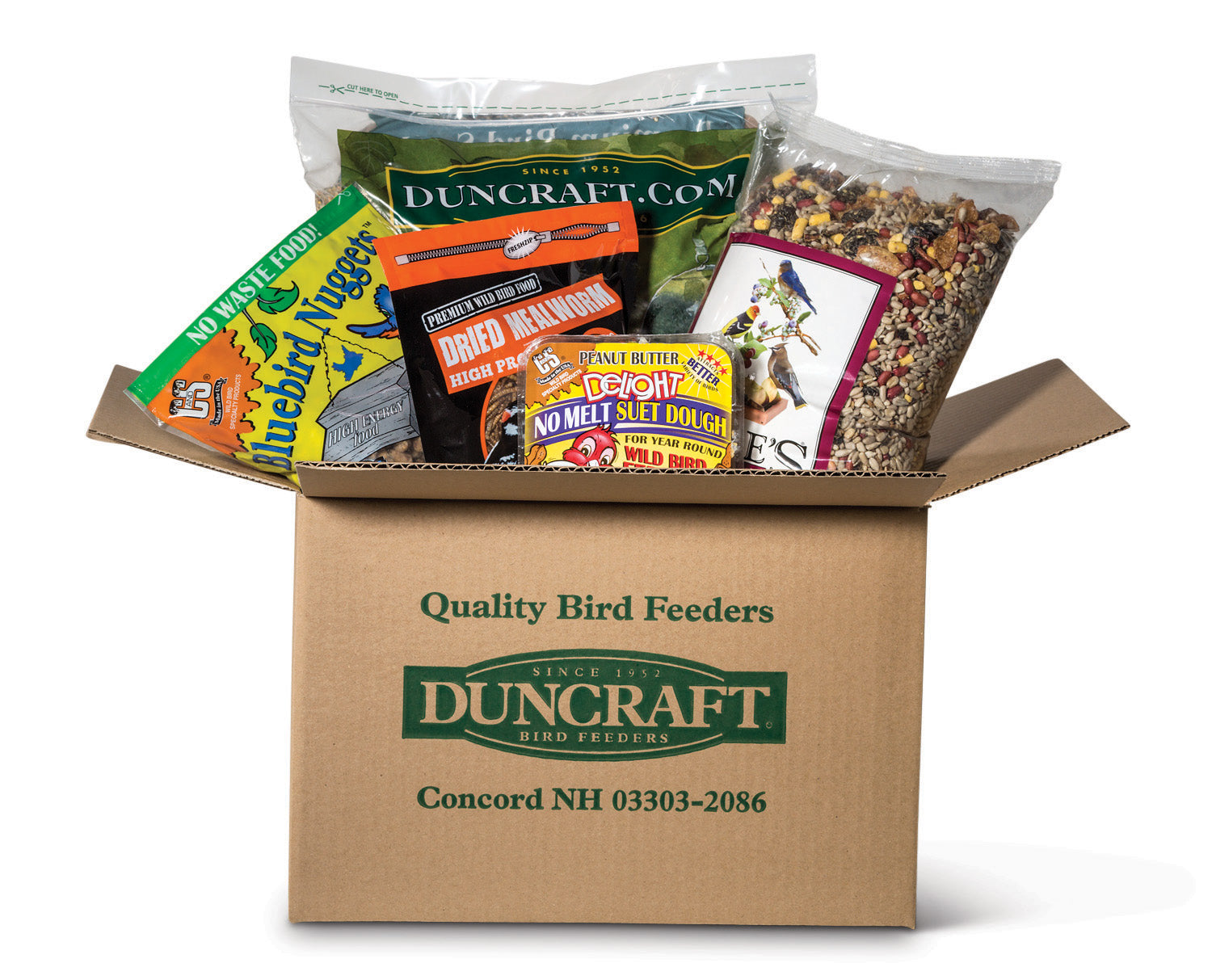
Join Duncraft Autoship and never run out of bird food again. Save 25% on your first order and 10% on every recurring delivery — with flexible scheduling and no extra fees.
How Duncraft Autoship Works
-
1. Choose Your Bird Food
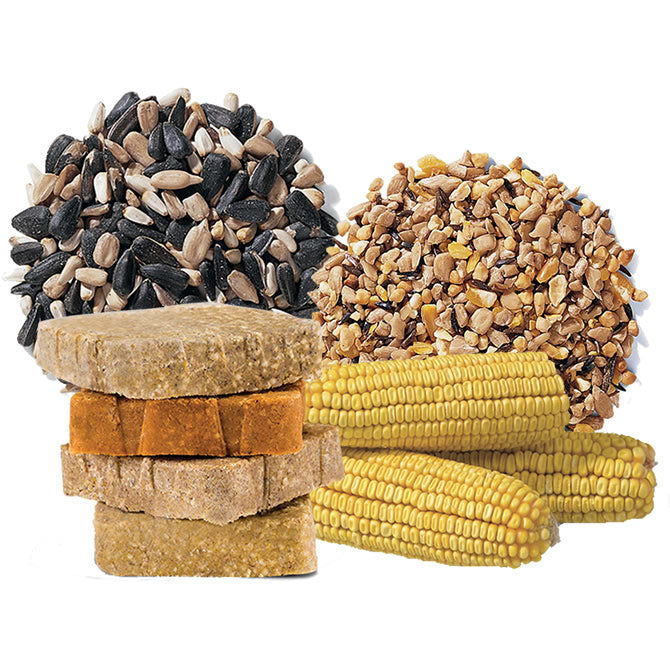
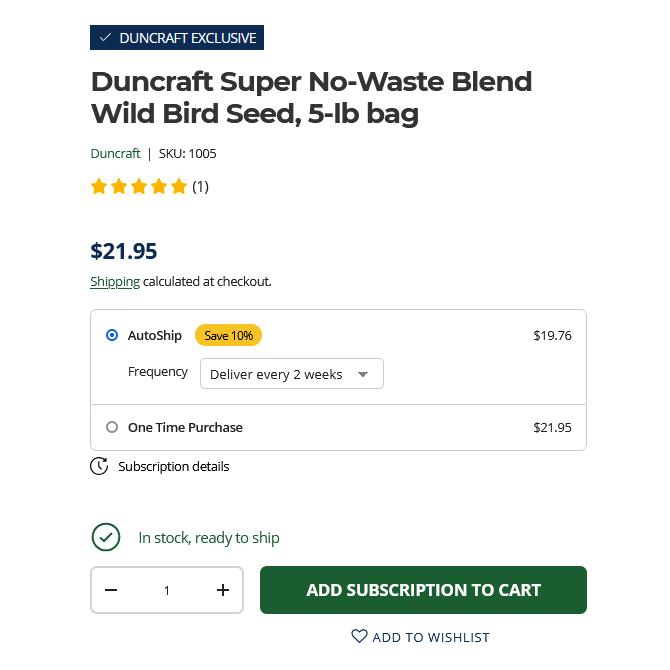
Browse our bird food, seed blends, suet, and accessories. Select any eligible product and click the Autoship option on the product page.
-
2. Set Your Delivery Frequency
Choose how often you want your order delivered — every 2, 4, 6, 8, or 12 weeks. You're in full control.
-
3. Checkout & Save
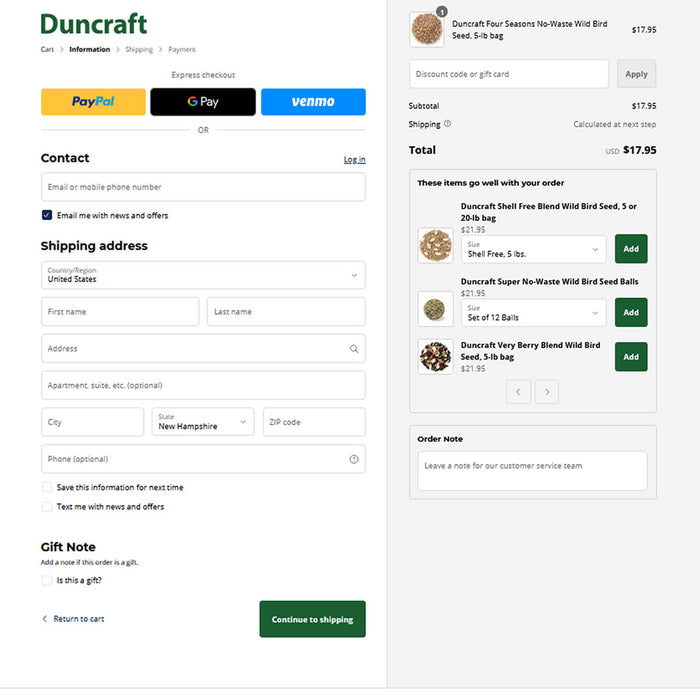
Your Autoship discount is applied automatically at checkout. 25% off your first order, 10% off every order after that.
-
4. Enjoy & Manage Anytime
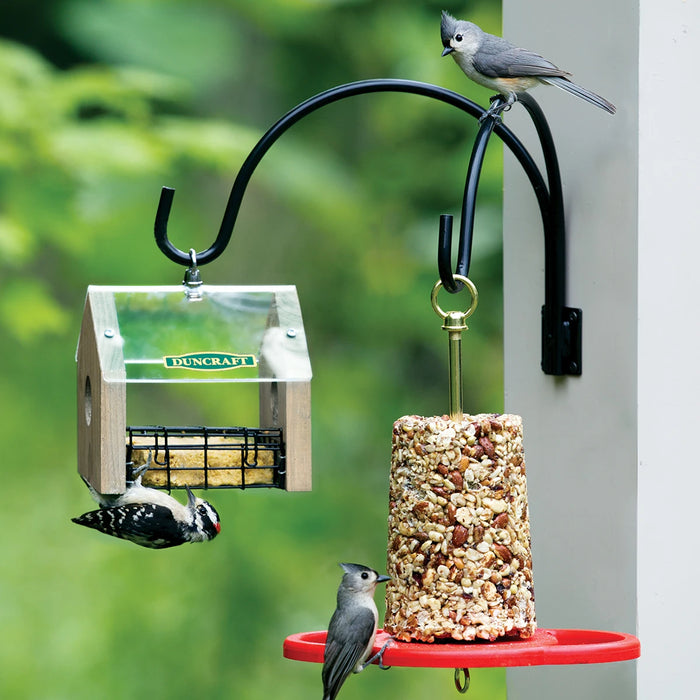
Sit back and watch your birds thrive. Log in to your account anytime to update quantities, swap products, or adjust your delivery schedule.
Get started
View all-
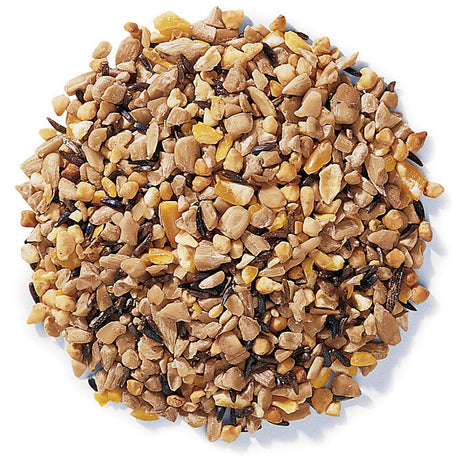 DUNCRAFT EXCLUSIVE
Duncraft Super No-Waste Blend Wild Bird Seed, 5-lb bag
Regular price $21.95Unit price /Unavailable -
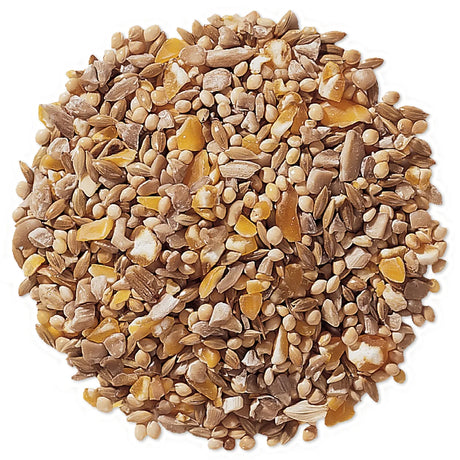 DUNCRAFT EXCLUSIVE10% off
Duncraft Four Seasons No-Waste Wild Bird Seed, 5-lb bag
Sale price $17.05 Regular price $18.95Unit price /Unavailable -
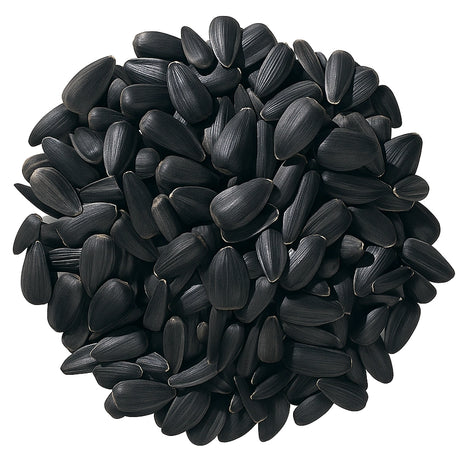 DUNCRAFT EXCLUSIVE
Duncraft Black Oil Sunflower Wild Bird Seed, 5-lb bag
Regular price $17.95Unit price /Unavailable -
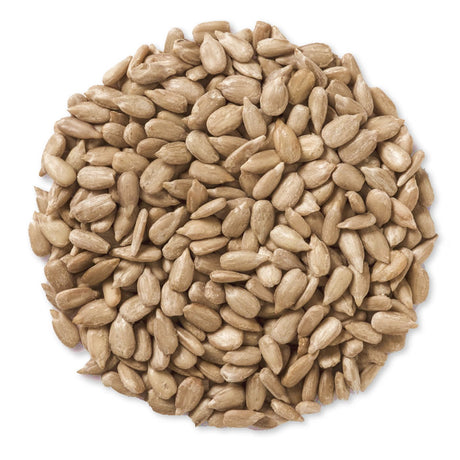 DUNCRAFT EXCLUSIVE
Duncraft Whole Sunflower Hearts Wild Bird Seed, 5-lb bag
Regular price $29.95Unit price /Unavailable -
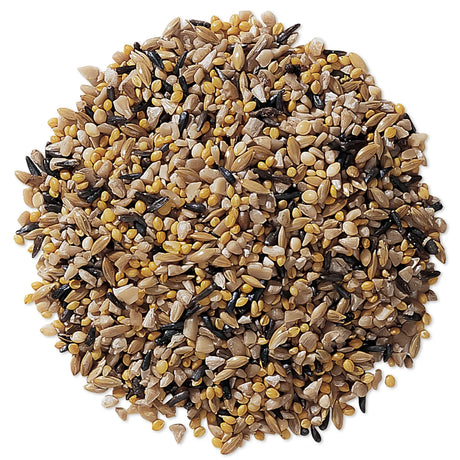 DUNCRAFT EXCLUSIVE
Duncraft Fancy Finch Mix Wild Bird Seed, 5-lb bag
Regular price $21.95Unit price /Unavailable -
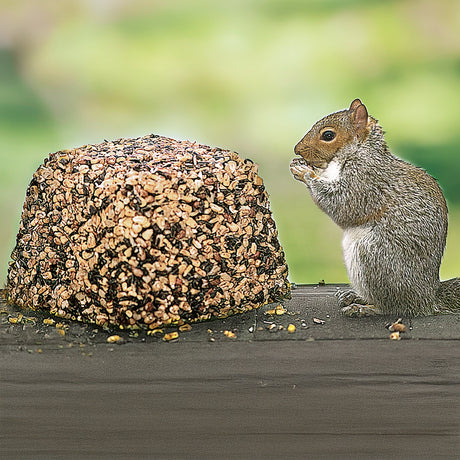 DUNCRAFT EXCLUSIVE
Wildlife Snack Jumbo Critter Block
Regular price From $29.95Unit price /Unavailable -
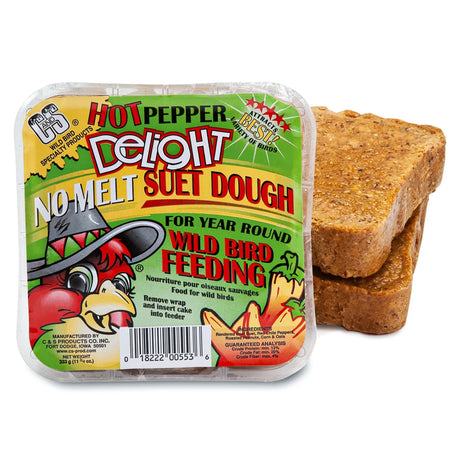
Hot Pepper Delight Suet Cakes, Set of 4 or 12
Regular price From $19.95Unit price /Unavailable -
 DUNCRAFT EXCLUSIVE
Duncraft Cardinal Delight Wild Bird Seed, 5-lb bag
Regular price $21.95Unit price /Unavailable -
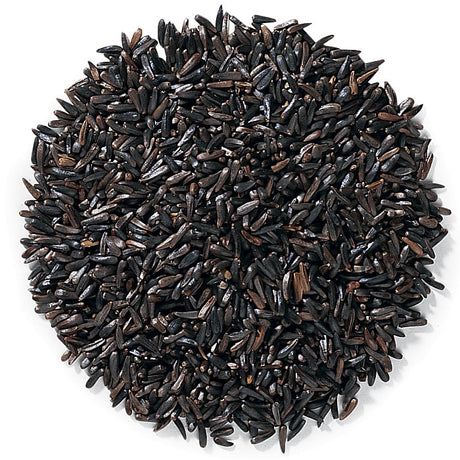 DUNCRAFT EXCLUSIVE
Duncraft Nyjer® Wild Bird Seed, 5-lb bag
Regular price $24.95Unit price /Unavailable -
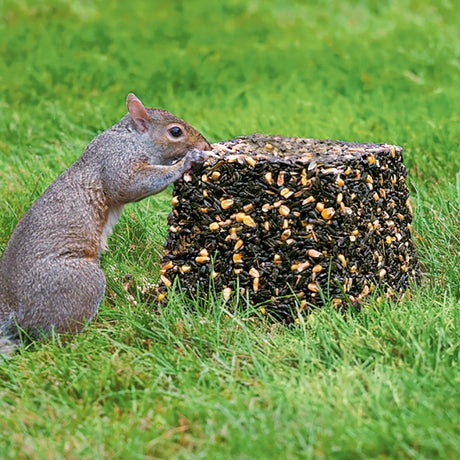 DUNCRAFT EXCLUSIVERegular price From $29.95Unit price /Unavailable
 -
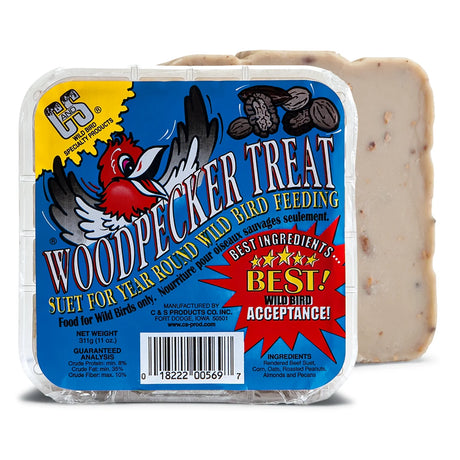
Woodpecker Treat Suet Cakes, Set of 4 or 12
Regular price From $18.95Unit price /Unavailable -
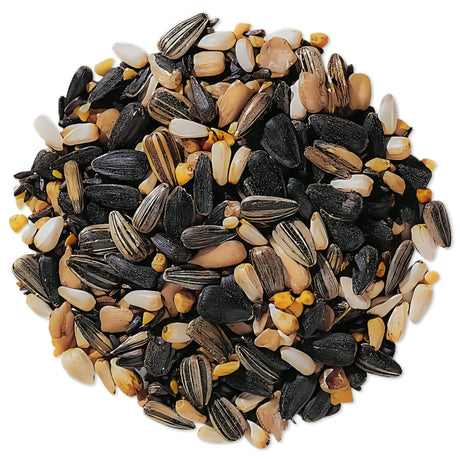 DUNCRAFT EXCLUSIVE
Duncraft Super Songbird Mix Wild Bird Seed, 5-lb bag
Regular price $21.95Unit price /Unavailable -
 DUNCRAFT EXCLUSIVE
Duncraft Peanut Bits & Sunflower Hearts Wild Bird Seed, 5-lb bag
Regular price $24.95Unit price /Unavailable -
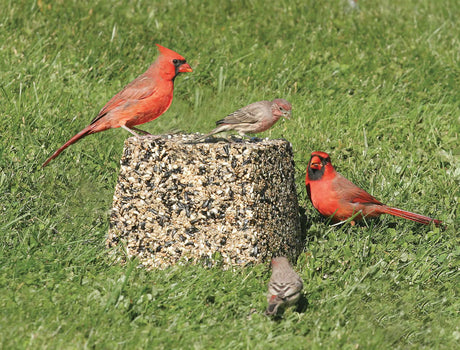 DUNCRAFT EXCLUSIVERegular price From $29.95Unit price /Unavailable
 -
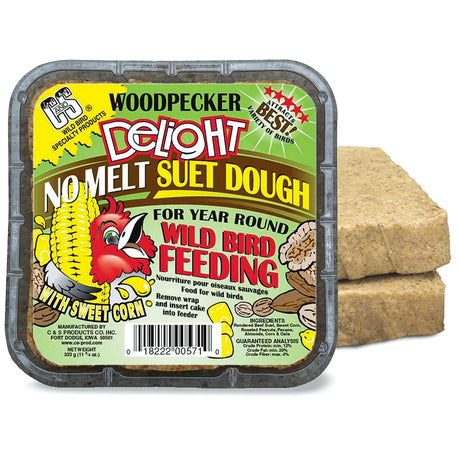
Woodpecker Delight Suet Cakes, Set of 4 or 12
Regular price From $18.95Unit price /Unavailable -
 DUNCRAFT EXCLUSIVE
Duncraft Super No-Waste Plus Wild Bird Seed, 5-lb bag
Regular price $21.95Unit price /Unavailable -
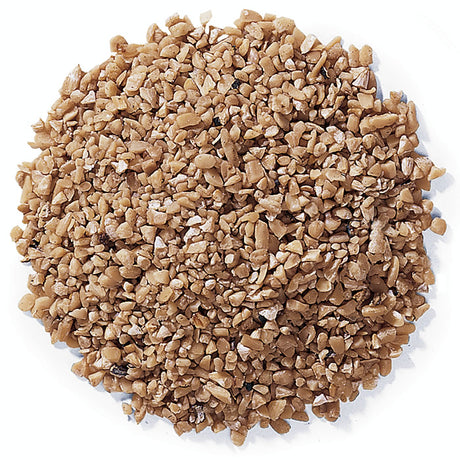 DUNCRAFT EXCLUSIVE
Duncraft Sunflower Fine Heart Chips Wild Bird Seed, 5-lb bag
Regular price $21.95Unit price /Unavailable -
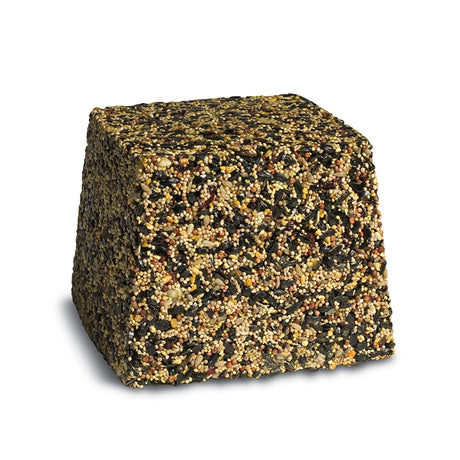 DUNCRAFT EXCLUSIVE
Duncraft Very Berry Jumbo Block
Regular price From $29.95Unit price /Unavailable -
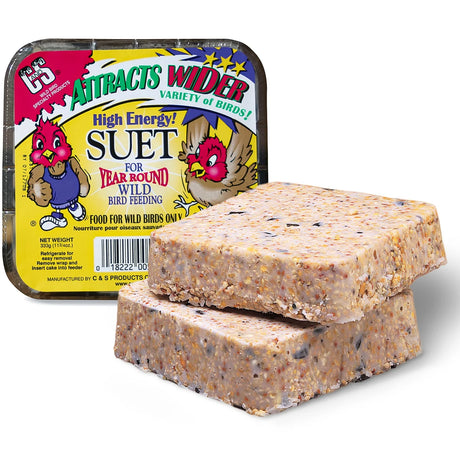
High Energy Suet Cakes, Set of 4 or 12
Regular price From $14.95Unit price /Unavailable -
 DUNCRAFT EXCLUSIVE10% off
Duncraft Traditional Mix Wild Bird Seed, 5-lb bag
Sale price $14.35 Regular price $15.95Unit price /Unavailable -
 DUNCRAFT EXCLUSIVE
Duncraft Woodpecker Blend Wild Bird Seed, 5-lb bag
Regular price $26.95Unit price /Unavailable -
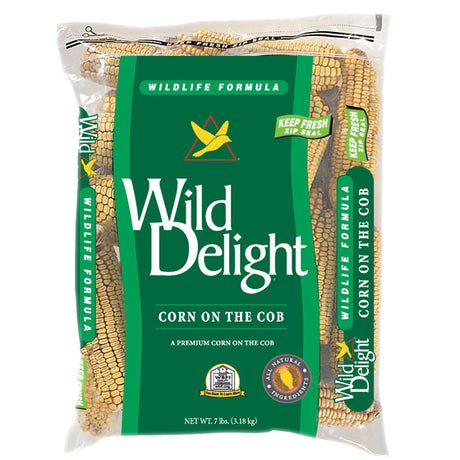 Regular price $19.95Unit price /Unavailable
 -
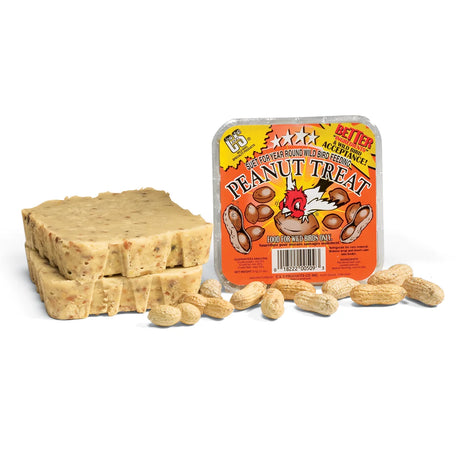
Peanut Treat Suet Cakes, Set of 4 or 12
Regular price From $18.95Unit price /Unavailable -
 DUNCRAFT EXCLUSIVE
Duncraft Safflower Wild Bird Seed, 5-lb bag
Regular price $21.95Unit price /Unavailable


Autoship Frequently Asked Questions
Are there any extra fees for Autoship?
Are there any extra fees for Autoship?
No. Autoship is completely free to join and use. There are no membership fees, no setup fees, and no cancellation fees — just automatic savings on every order.
What is the Duncraft Autoship program?
What is the Duncraft Autoship program?
Duncraft Autoship is a flexible bird food delivery subscription that saves you money and ensures you never run out of your birds' favorite food. You choose the products, set your delivery frequency, and save 25% on your first order plus 10% on every recurring order — automatically.
How do I sign up for Autoship?
How do I sign up for Autoship?
Signing up is easy. On any eligible product page, select the Autoship option instead of one-time purchase, choose your delivery frequency, and proceed to checkout. You can also sign up by phone if you prefer.
Where can I manage my Autoship subscription?
Where can I manage my Autoship subscription?
Log in to your Duncraft account by clicking the profile icon in the upper right corner. From there you can view, edit, pause, skip, or cancel any of your active Autoship subscriptions.
Can I cancel my Autoship subscription?
Can I cancel my Autoship subscription?
Yes, you can cancel your Autoship subscription at any time with no fees or penalties. Log in to your account, navigate to your subscription details, and select Manage Autoship Subscription to cancel or make changes.
How do I change the frequency of delivery?
How do I change the frequency of delivery?
Log in to your account by clicking the profile icon in the upper right-hand corner, then select Manage AutoShip Subscription. You may also click here.
Customer Care team at (800) 593-5656, send an email to info@duncraft.com. We're available Monday-Friday from 9:00am-5:00pm ET.
How do I suspend or resume my subscription?
How do I suspend or resume my subscription?
You may suspend or resume your subscription at any time. To do so, log in to your account by clicking the profile icon in the upper right-hand corner, then select Manage AutoShip Subscription. You may also click here.
Customer Care team at (800) 593-5656, send an email to info@duncraft.com. We're available Monday-Friday from 9:00am-5:00pm ET.
When will my credit card be charged for Autoship orders?
When will my credit card be charged for Autoship orders?
Your credit card is automatically charged on the day each Autoship order is shipped, based on your chosen delivery frequency. You'll receive an email notification before each order is processed.
When will my future orders ship?
When will my future orders ship?
To find out when future orders will be shipped, log in to your account by clicking the profile icon in the upper right-hand corner, then select Manage AutoShip Subscription. You may also click here.
You can see your Next Ship Date in the AutoShip details.
How do I change the next ship date?
How do I change the next ship date?
Log in to your account by clicking the profile icon in the upper right-hand corner, then select Manage AutoShip Subscription. You may also click here.
How do I add a new product?
How do I add a new product?
Please contact our Customer Care team at (800) 593-5656, send an email to info@duncraft.com. We're available Monday-Friday from 9:00am-5:00pm ET.
Changes made before 11:59 PM ET of the day before your next ship date will be applied to your next order. Changes made after that time will not take effect until the following order.
How do I change which credit card will be charged?
How do I change which credit card will be charged?
Our Customer Care team is happy to help at (800) 593-5656, Monday–Friday from 9:00 AM to 5:00 PM ET. You can also log into your account anytime to make the update yourself.
How can I see my order history?
How can I see my order history?
Log in to your account by clicking the profile icon in the upper right-hand corner, then select Manage AutoShip Subscription. You may also click here.
Customer Care team at (800) 593-5656, send an email to info@duncraft.com. We're available Monday-Friday from 9:00am-5:00pm ET.